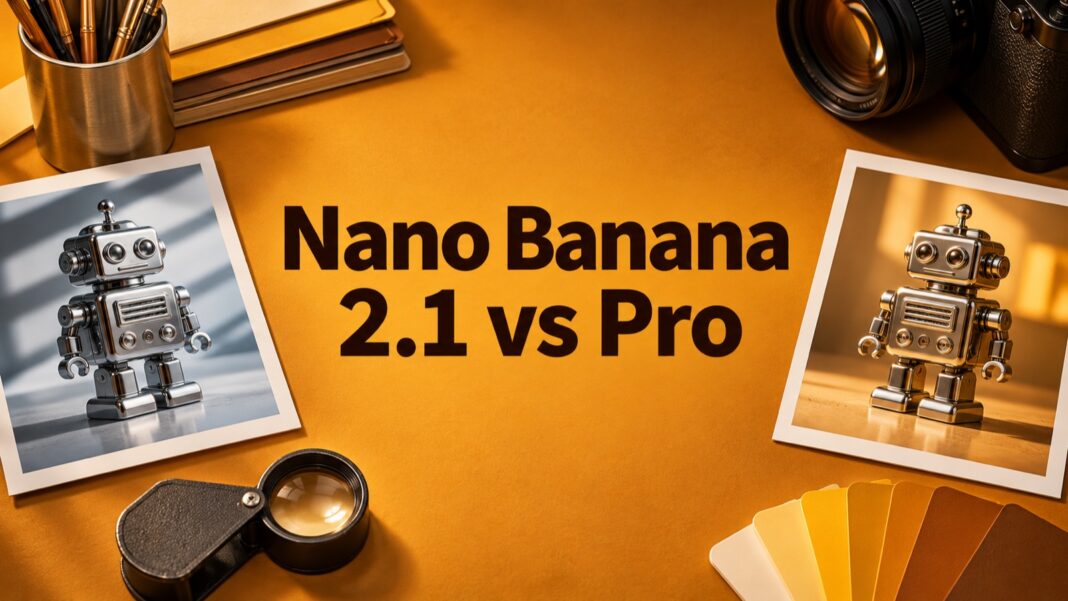

Nano Banana 2.1 vs Pro is a choice between two image-generation models with different positioning, rather than a simple contest in which the newest name automatically wins. Google describes Nano Banana 2.1 as an efficient model for image generation and conversational editing, while Nano Banana Pro targets more complex visual tasks. The practical choice depends on your brief, review requirements and cost per usable result.
This guide compares the documented roles and proposes a repeatable evaluation workflow for designers and content teams. It does not claim hands-on benchmark scores or declare a universal image-quality winner. Product documentation was checked on November 19, 2026; model access, interfaces and pricing can change. Keep those details attached to any comparison you run yourself.
Nano Banana 2.1 vs Pro: identify the actual models
The official Nano Banana 2.1 model page identifies the API model as gemini-nano-banana-2.1. Google positions it as an update to Nano Banana 2, with improvements in visual quality, prompt adherence, text rendering and consistency across editing turns. The documentation lists image output at 1K, 2K and 4K resolutions and configurable thinking levels. Those are documented capabilities, not a promise that every result will be correct.
The Nano Banana Pro model page identifies that model as gemini-3-pro-image. Google positions it for reasoning-heavy visual work, including complex graphic design, product mockups and factual visualisations. Its documentation lists image and text input and output, thinking support and Google Search grounding. A task can still fail despite being within a model’s advertised use cases.
Record the model code when evaluating API output. An application’s friendly label or subscription name is not always enough to reproduce a result. Also record the date, resolution, prompt and references. Our earlier Nano Banana introduction covers the original model’s context; it should not be treated as the specification for every later release.
Start with the decision you need to make
For routine asset production
Begin an efficiency-focused evaluation with a repeatable task: the same object, a simple background and a fixed output size. Look for the model that produces acceptable assets with the least combined generation and review work. Treat Nano Banana 2.1’s efficient positioning as a reason to test it, rather than evidence that it will be cheapest for your particular brief.
A model that generates quickly can still create expensive rework if it repeatedly changes a product detail. Conversely, a more involved generation may be worthwhile if it preserves constraints and saves manual correction. Measure the outcome you need: a file that passes review and fits the destination, not simply a visually attractive first impression.
For complex layouts and exact instructions
Include Pro in the evaluation when the brief combines several demanding constraints. Examples include a product mockup with specified materials, multiple objects with a fixed relationship, or a layout containing exact short text. Its documented positioning makes it a relevant candidate, but the final file still needs spelling, factual and composition checks.
For wider tool selection, our AI image-generator guide provides broader context. Keep this comparison focused on choosing between the two named models. A general tool roundup cannot replace checking which model and settings an application actually exposes.
Run the same design brief on both models
1. Define what must stay unchanged
Imagine a small shop preparing a campaign for a chrome desk robot. Start with a photograph you have permission to use. Write down the details that must remain: proportions, number of joints, surface finish, markings and accessories. These are acceptance criteria, not decorative suggestions. A beautiful output that changes the item should fail a product-accuracy check.
Create one brief before you see either result. Specify the background, light direction, camera angle, crop and intended placement. Avoid rewriting the request to suit the first attractive image you receive. If you change the brief halfway through, record the change and rerun both candidates so the comparison stays meaningful.
2. Separate generation from editing
Test an initial image and a follow-up edit as separate stages. For the second stage, request one bounded change, such as replacing the background while preserving the object. Compare the edited result with the original reference, not only with the previous generated image. Small changes can accumulate across turns and become hard to notice.
Google’s image-generation documentation describes both generation and conversational editing, along with model-selection guidance. It also states that generated images include SynthID. Preserve a record of the tool and model used, and avoid presenting a synthetic scene as documentary photography of a real event or an unaltered product.
3. Inspect text and factual content independently
Give both models the same short label if text rendering matters. Check every character, punctuation mark and line break in the downloaded output. A phrase can look correct at a glance while containing a repeated letter or a substituted symbol. For production branding, consider placing critical legal or pricing text with normal design software after image generation.
Grounding also requires review. A search-connected model can still select an unsuitable source, misunderstand a number or turn qualified information into an absolute statement. If a graphic includes real-world facts, verify the underlying source and the rendered value. Keep decorative visual quality separate from factual accuracy in your evaluation notes.
Compare cost per accepted image
Use the current Gemini API pricing page for the exact model and processing mode you intend to use. The tables distinguish input, output and other charges, and image costs vary with resolution and model. API billing is separate from assuming what a consumer subscription includes. Confirm both access and billing before committing to a large workflow.
A simple hypothetical example shows why retries matter. If one workflow costs four cents per attempt and needs five attempts for an approved file, generation alone costs twenty cents per accepted image. Another workflow at ten cents per attempt could cost the same if it needs only two attempts. These invented rates illustrate the calculation; they are not current prices for either model.
Add human review and repair time to that estimate. Record rejected attempts rather than deleting them from the comparison. Our AI cost-estimation guide explains the broader budgeting habit of accounting for inputs, outputs and retries. An image workflow needs the same discipline, with image-specific rates and acceptance criteria.
Check the final crop before choosing a workflow
A full-size landscape image can fail on a mobile card. Export a test and view it in the actual destination dimensions. For a centre-cropped square thumbnail made from a 16:9 cover, the outer sides disappear. Keep essential lettering and the subject’s defining details inside a generous central safe area. Test both the square card and the wider desktop image.
Include this check in your model evaluation. If a result needs manual repositioning every time, that is production effort even when the uncropped image looks excellent. Keep the title short, use a clear contrast and reduce background detail around the lettering. The correct model is the one that fits the entire publishing workflow, including the smallest place where its output will appear.
Make a task-specific choice
Keep a small comparison log for routine assets, complex compositions and follow-up edits. For each task, note whether the output preserved the reference, followed the instructions, survived the crop and passed factual review. Choose a default only for the task you actually tested. Revisit the decision when a model version or an important requirement changes.
Nano Banana 2.1 is a sensible candidate for an efficiency-focused trial, and Pro deserves consideration for demanding visual briefs. Documentation helps define that trial; it does not supply your results. A repeatable brief, an honest rejection log and a final destination check provide a more useful answer than a universal winner based on model names alone.